


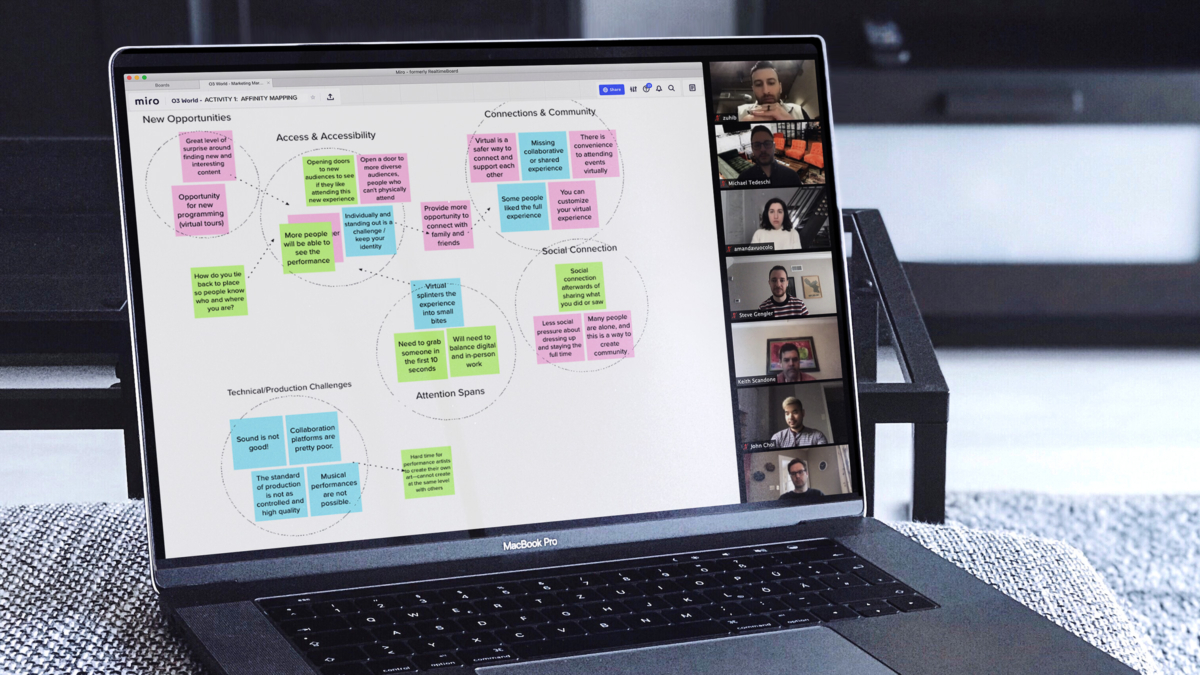
219ers recently participated in a Design Thinking study to explore collaboration at a distance and the impact working from home has had on our design thinking. Lawrence Domingo reached out to 219 Design looking for participants for the study as part of his PhD research at Stanford University. 219 Design loves to support learning and offered to let 219ers participate during work hours.
Dan Santos (partner), Kelly Heller (software, project management), Abe McKay (mechanical), and Kylee Burgess (electronic, firmware) agreed to help. While the study is not yet published, we reflected on our own experience and had a few key takeaways to share. These tips actually help optimize design thinking in person as well!
The study made us reflect on the habits we have developed since we’ve all been online and working from home. We agreed that, over the last ~15 months, we’ve adapted to our limitations. For example, a smaller desk size and access to fewer office supplies means we talk more and demonstrate less. Here’s some advice from our study participants on ways we can all improve our design thinking habits both online and in person.
- Have a meeting. I tend to think of a “meeting” as a large gathering of people but a one-on-one meeting can be quicker and more effective than relying on text/email to convey information.” -Kelly
- “Set a goal. Communicating a goal or specific deliverable at the beginning of a meeting can help the group maintain focus and ensure a productive meeting.” -Kylee
- Use collaborative technology.Go for the combo of visual drawing with verbal description, whether annotating the screen in a zoom meeting or live on a shared Google Jamboard/Drawings, Miro Board, or LucidChart. Through those combined channels, you can communicate faster.” -Abe
- Be mindful.There are a lot of reasons people may have trouble communicating online – language barriers, shyness, etc. Make sure you pause and give everyone a chance to chime in.” -Kelly
- “Separate ‘generating’ from ‘selecting’ ideas. First, generate a wide array of ideas, even ones that seem silly. Once you’ve explored the solutions space, then you can go back and select the most promising ideas to prototype.” -Abe
- “Prototype strategically.You can draw or build to clarify an idea, but save the real prototyping for the best ideas at the end or break out prototyping to individuals or small groups and present them in a whole separate meeting.” -Kylee
219 Design offers a Concept Generation Workshop for companies that want a facilitated approach to ideation with an experienced development team.
To learn more, you can reach us at getstarted@219design.com